SpennXMeta

Money that moves you.

This an Android app which is available for you to download.
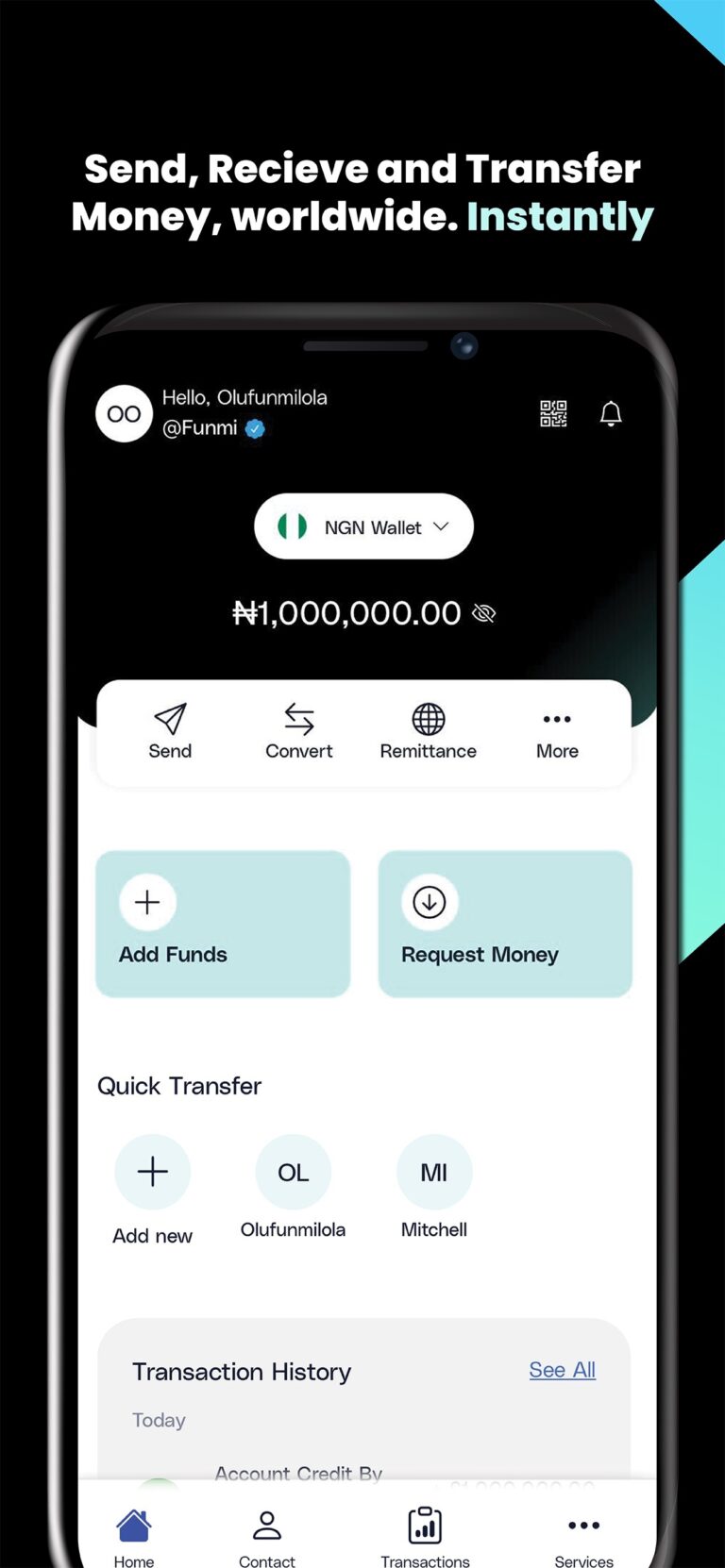
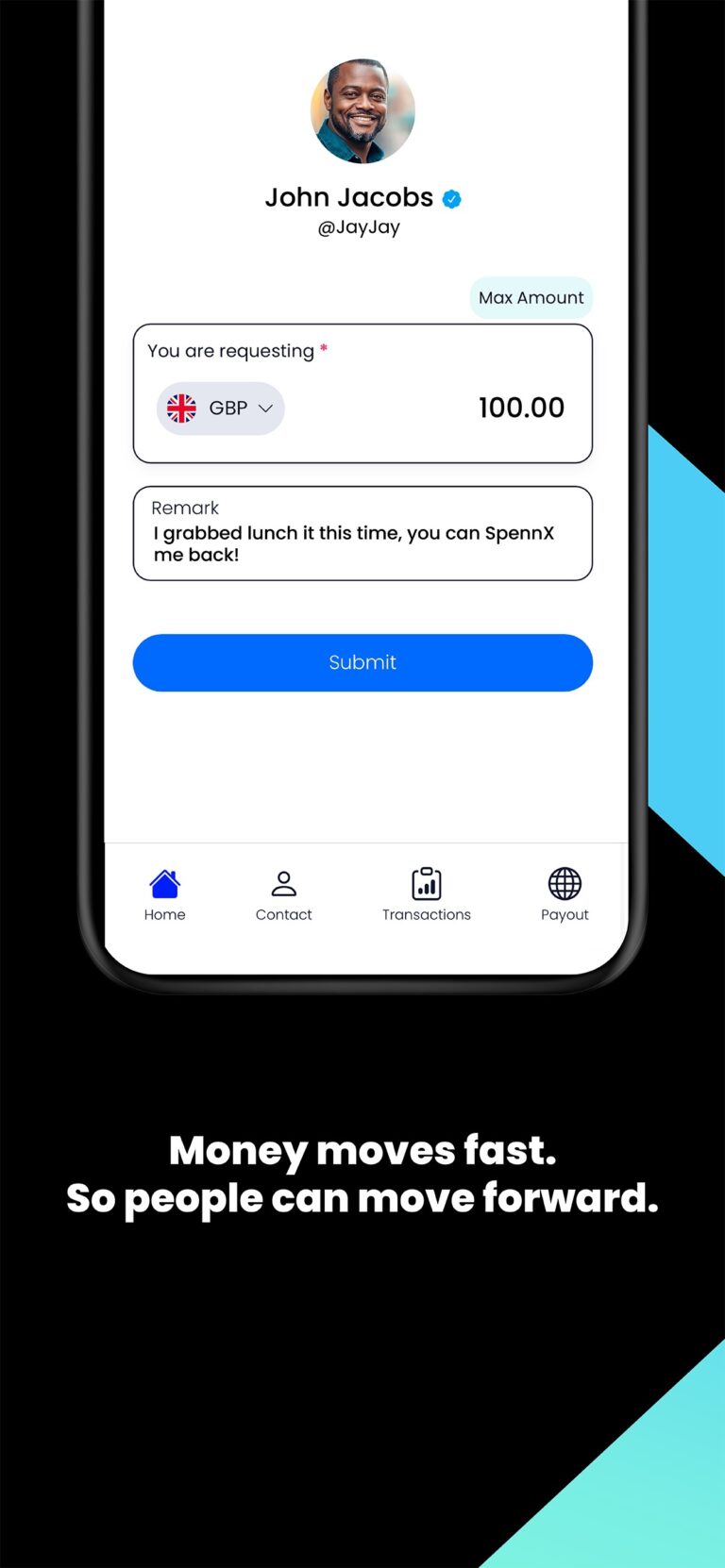
SpennX is the smarter, simpler way to send money worldwide. Support family, paying bills, or doing business across borders, make it fast, transparent, and stress-free.
 
SpennX
Money That Moves You.
Wherever you are, whoever it’s for — we’ve got you.
From the UK to Nigeria, the US to the Norway, or Europe to Kenya. SpennX helps you send money across continents with confidence.
No hidden fees. Just honest transfers in seconds.
Fast. Transparent. Tech-powered.
  • Real-time exchange rates
  • Clear, upfront fees
  • Instant or same-day delivery
  • Notifications from send to receive 
 
Safety, Guaranteed.

We’re FCA-regulated, bank-level encrypted, and serious about protecting your money – and your peace of mind.
Why choose SpennX?

  • Send to 60+ countries
  • Modern, intuitive app design
  • Real-human support
  • Built for today’s global citizens
  • No paperwork, no waiting – just tap and go
 
Coming Soon:
  • SpennX Wallet & local payout options
  • Send smarter. Spend better. Stay connected.
  • With SpennX, global money transfers feel less
  • like admin and more like action.
  • Download the app. Explore your world.
How to Download and Install the App:

Step 1: Download the APK

  1. Tap on the Download APK button.

  2. Once the file has downloaded, check your notification bar or Downloads folder.

Step 2: Enable Installation from Unknown Sources

Because the app is not yet on the Google Play Store, you’ll need to allow your phone to install apps from outside sources:

  1. When you try to open the downloaded APK, you may see a “Blocked by Play Protect” or “Install blocked” message.

  2. Tap Settings (or “More Settings”).

  3. Enable Allow from this source (this is usually under Security → Install unknown apps).

    • On newer Android versions (8.0+): Go to Settings → Apps & Notifications → Special Access → Install unknown apps, then choose your browser and enable Allow from this source.

    • On older Android versions: Go to Settings → Security → Unknown Sources and turn it on.

Step 3: Install the APK

  1. Return to the downloaded file (tap it again if needed).

  2. Tap Install.

  3. Wait for the installation to complete.

  4. Tap Open to launch the app.