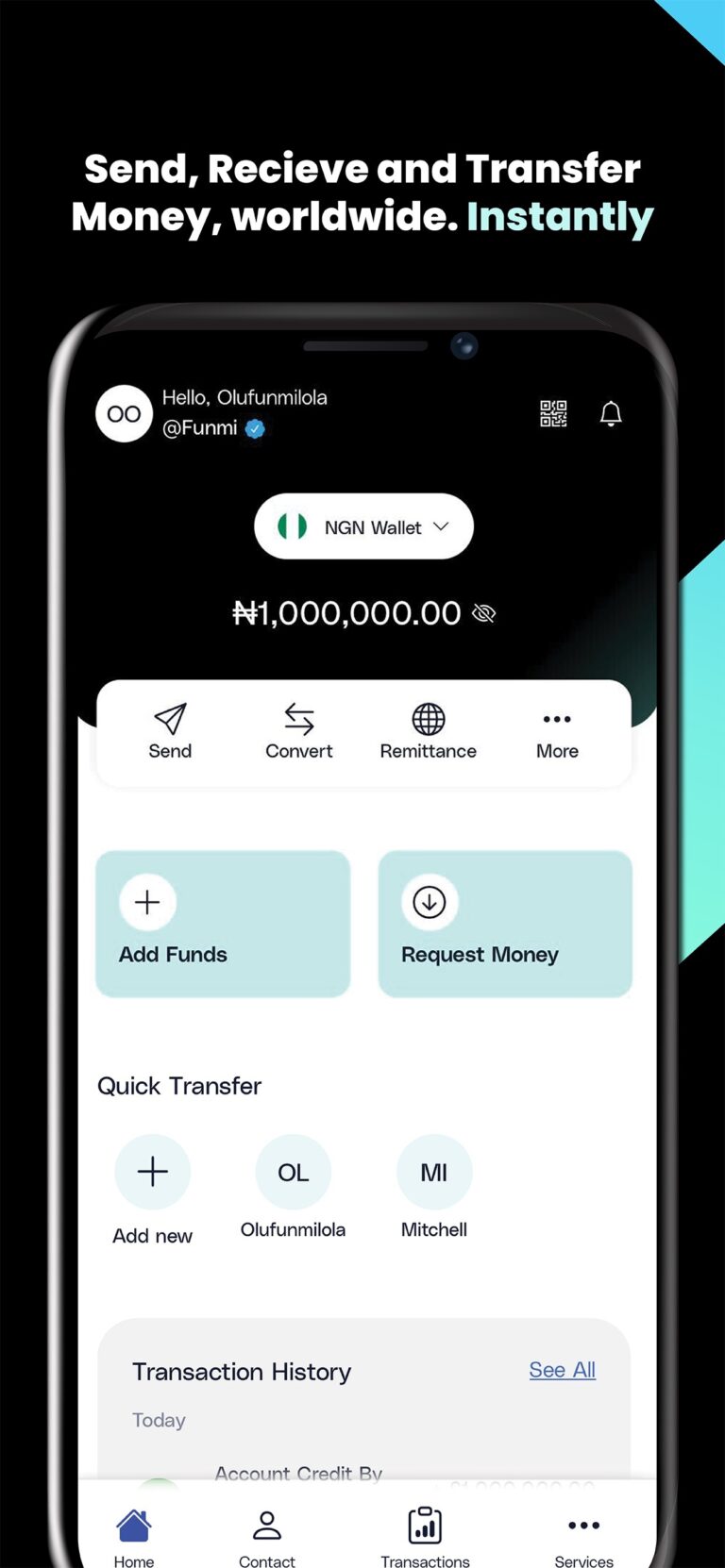
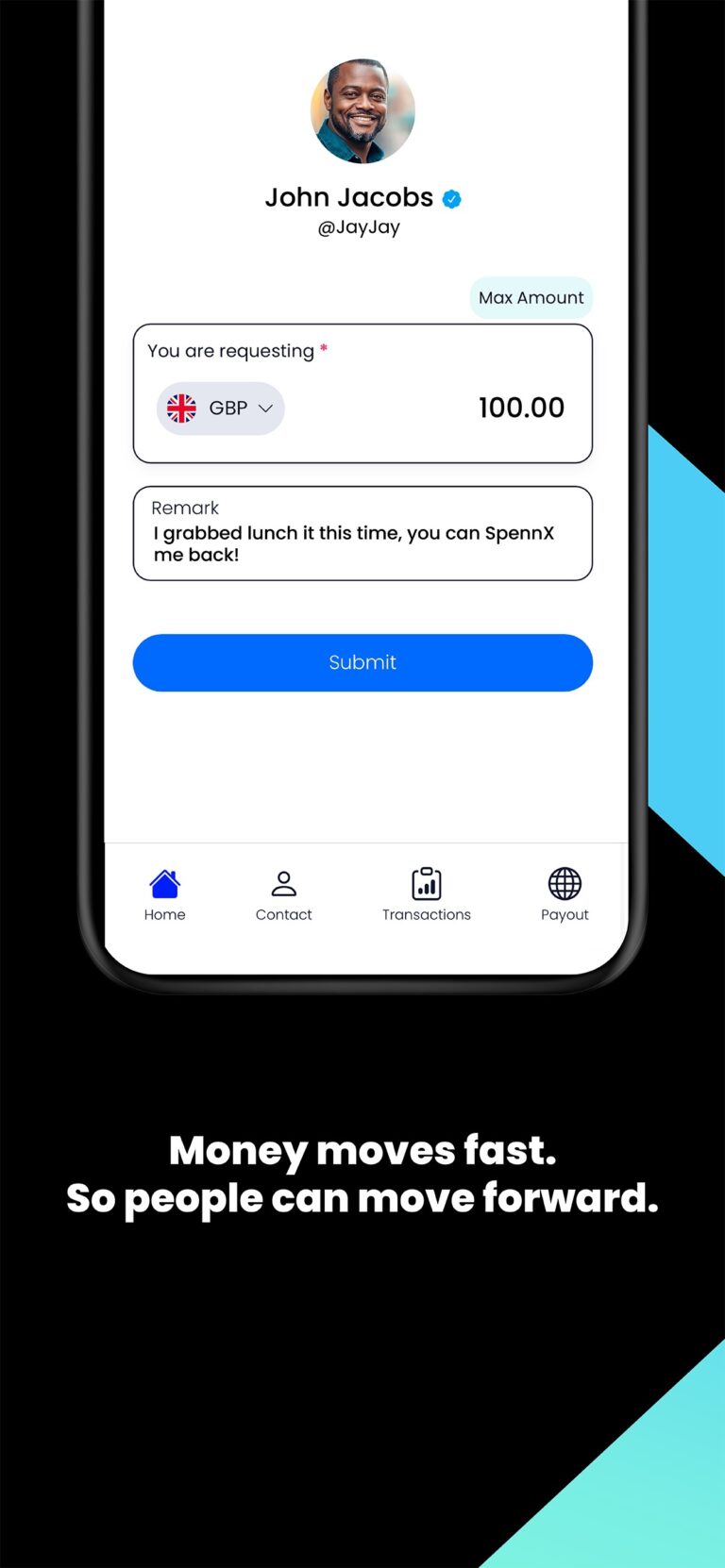
SpennX is the smarter, simpler way to send money worldwide. Support family, paying bills, or doing business across borders, make it fast, transparent, and stress-free.
SpennX
Money That Moves You.
Wherever you are, whoever it’s for — we’ve got you.
From the UK to Nigeria, the US to the Norway, or Europe to Kenya. SpennX helps you send money across continents with confidence.
No hidden fees. Just honest transfers in seconds.
Fast. Transparent. Tech-powered.
- Real-time exchange rates
- Clear, upfront fees
- Instant or same-day delivery
- Notifications from send to receive